
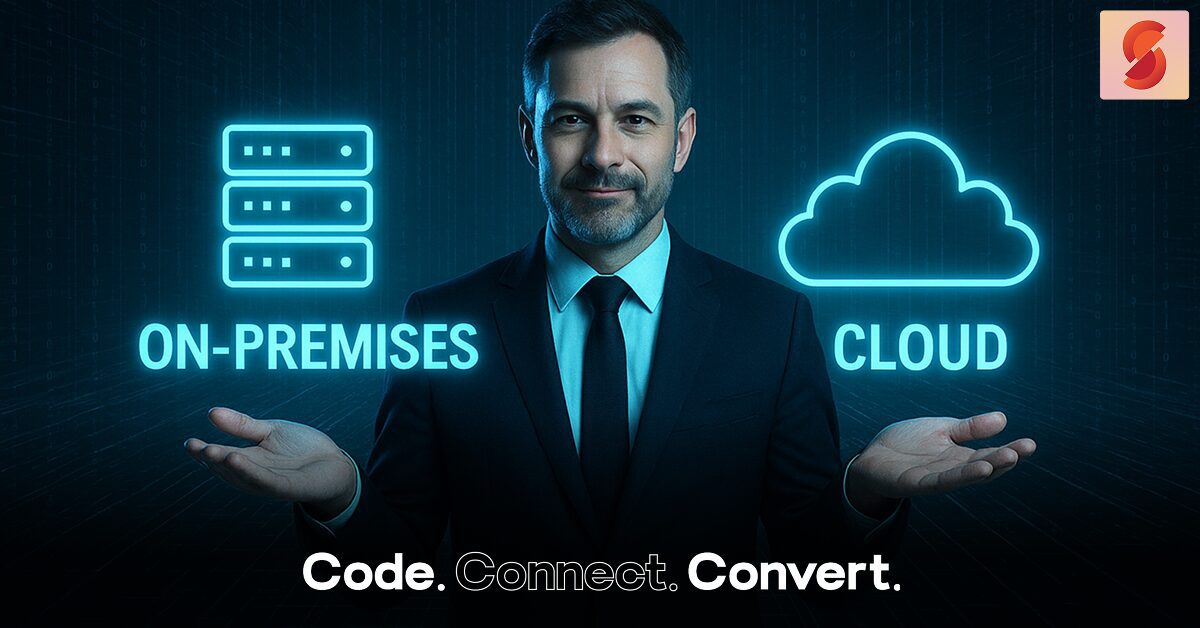
Technology is at the heart of every business today. One big question many business owners face is whether to keep their software on-premises (installed in your office) or move to the cloud (hosted online). Let’s break it down in simple terms.
What is On-Premises Software?

On-premises means your software runs on computers and servers you own and manage inside your office. You are fully in control of installation, updates, security, and maintenance.
- Pros: Full control, works well for industries with strict data rules.
- Cons: Expensive upfront costs for hardware and IT staff, harder to scale, and limited access outside the office.
What is Cloud Software?

Cloud software (also called SaaS – Software as a Service) is hosted by a provider and accessed through the internet. You usually pay a monthly or yearly subscription.
- Pros: Lower cost to start, updates and maintenance are handled by the provider, easy to scale, and you can access it from anywhere.
- Cons: Less direct control since it is managed by the provider.
Benefits of Cloud-Based Software
Cloud solutions are becoming very popular because they bring many advantages:
- Work from Anywhere: Teams can log in on any device, at home or at the office.
- Easy Data Access: Quick access to shared information, with permission controls.
- Better Security: Providers use strong security tools like encryption and regular audits.
- Scales Easily: Add or remove users quickly as your business grows.
- Cost Friendly: No big upfront investment, just pay as you go.
Cloud vs On-Premises: A Quick Look
| Feature | On-Premises | Cloud (SaaS) |
| Cost | High upfront, ongoing maintenance | Low startup, subscription-based |
| Control | Full control over systems and data | Managed by provider |
| Maintenance | Handled by your IT team | Handled by provider |
| Accessibility | Usually office-only | Access anywhere via internet |
| Scalability | Needs new hardware to grow | Scales quickly, pay for what you use |
| Security | Custom setup by your team | Strong, provider-managed |
Which One Should You Choose?
- Go with On-Premises if your business needs strict control over data and systems.
- Choose Cloud if you want flexibility, lower costs, easy scaling, and remote access.
- Consider a Hybrid Model – keep sensitive systems in-house but use cloud tools for flexibility.
Conclusion
On-premises gives you control but costs more and limits flexibility. Cloud is easier, cheaper, and more accessible but means trusting a provider. Many businesses today use a mix of both.
The best choice depends on your business goals, budget, and how much flexibility or control you need.